 Harshit Mishra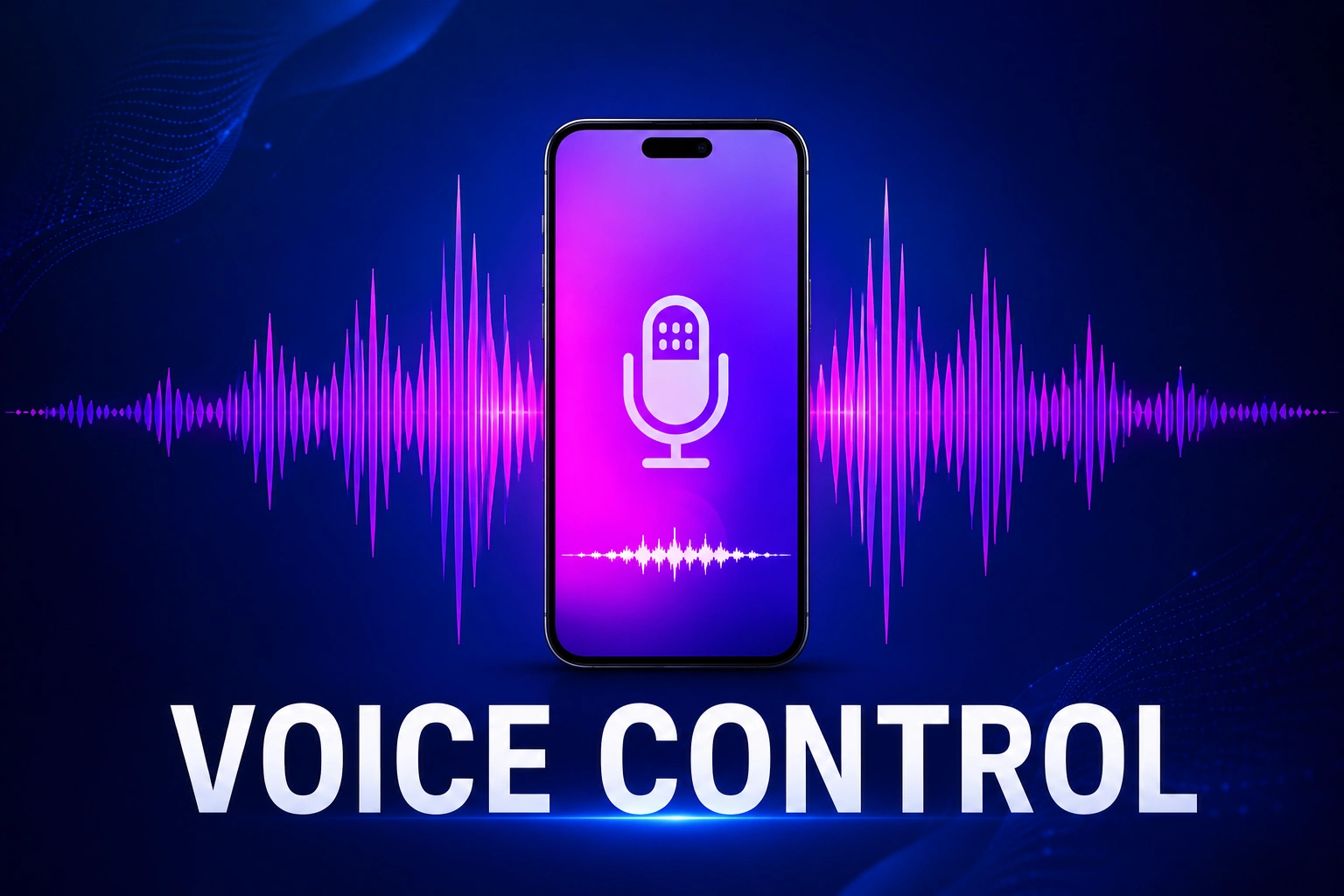
If you also want to control your phone without touching it, then the answer is yes, you can easily control your phone without using your hands. Through this Android application, you can easily use voice commands to control your phone without touching the screen.
With the help of the Voice Access app, you can easily open apps, send messages, make calls, scroll on social media, and can do many more things by using your voice. This app is best for users who want to control their smartphones with their voice.
Table of Contents
Voice Access App
This application is made for users who want to control their smartphones through their voice without touching it. With the help of this app, you can do multiple things like:
- Return to the Previous screen as well as the home screen.
- Open any app with voice.
- Scroll through pages.
- Click anywhere on the screen.
- Voice-to-text typing.
- Call anyone from contacts.
- Can send text messages.
You can learn about many more features after downloading it. Voice Access is best for people who don’t understand technical language or have vision problems. You can also use this feature when u are busy with something.
How to Use the Voice Access App?
First, you need to have a compatible device to use this application.
Requirements
- You need to have Android 5.0 or a newer version.
- Select the language in which you want to control.
To check the Android version, open Settings > About Phone.
Step-by-Step Guide to Use Voice Access
Follow these simple steps tocontrol your phone with voice.
1. To install this app, your device must need to follow the requirements of the app.
2. After checking it now open the Play Store on your device, then search for Voice Access, and then click on Install.
3. After installing, open the app and set it up.
4. You can start it by just saying “Hello Google” or “Hey Google”
Why Use Voice Access?
Voice Access has multiple attractive features so that you can control your phone more easily.
- Hands-free
- Faster navigation
- Easy text writing with voice.
- Helpful for people with disabilities.
- You can use it while driving or busy doing something.
- Save time
You can easily control your phone calls, messages, or open an app. After downloading it, you can control your phone with your voice.
Conclusion
Now you know how to control your phone with voice by using the Voice Access app. This is a simple app which makes it easier to control your phone. Just install the app from the Play Store and use its features.
Voice Access is useful for everyone, as anyone can control their phone very easily. Stay connected with us for more helpful guides and smartphone tips.




Leave a Reply