 Harshit Mishra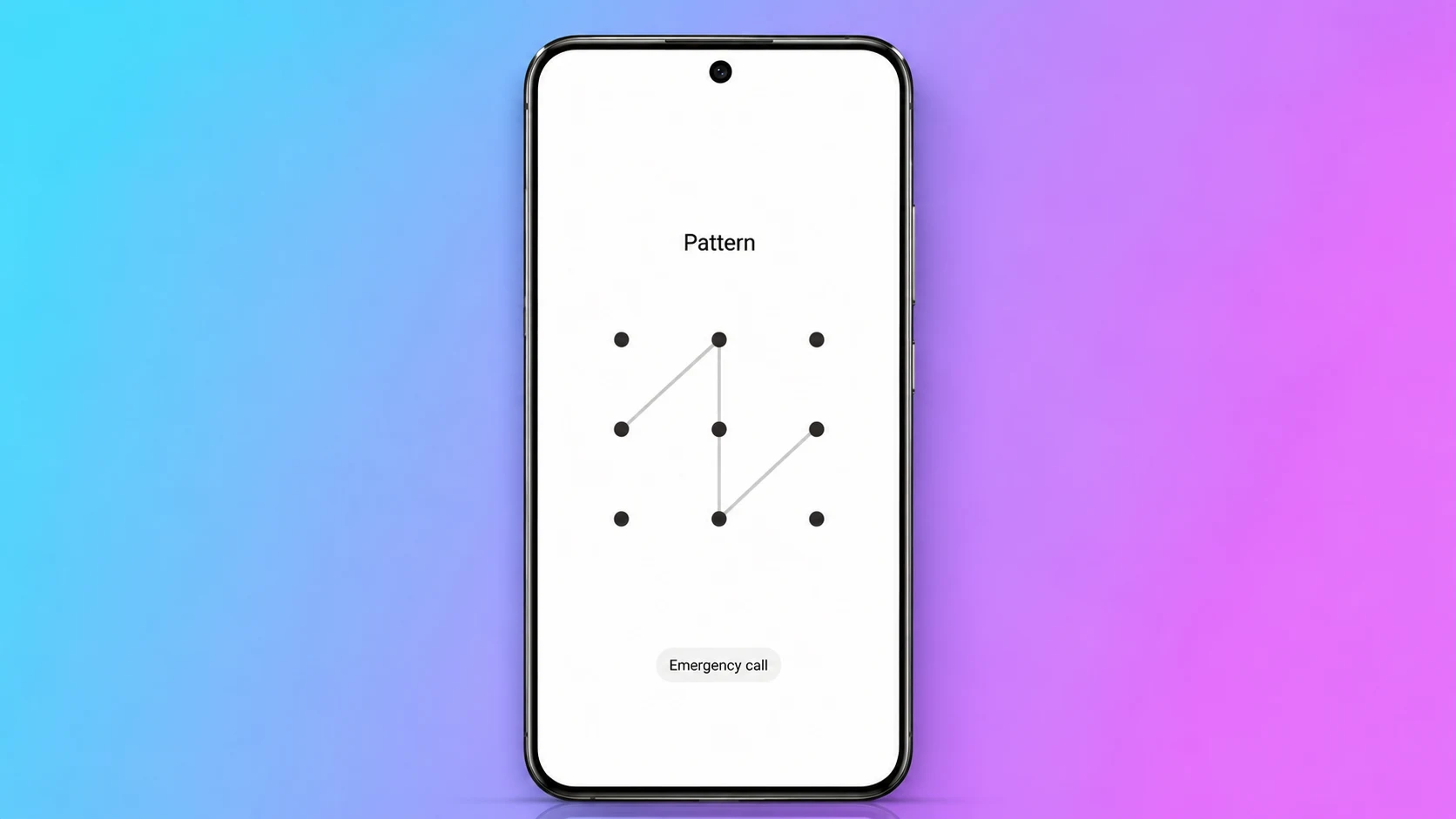
In today’s world, everyone uses some form of security on their smartphone screen, but with the help of Pattern Lock Screen Widgets for Android and iOS, it becomes more fascinating and easier to secure your phone from unauthorized access. You can also check important information without opening the phone. This app is not just for locking the screen this can also make your device more organized while locked.
This app also reduces screen time as it shows important information for the apps, calendar, important reminders, weather, etc in a single glance. It also shows the daily task on the screen without the need to unlock the phone. In this article, we will let you know about the best lock screen widget app, useful tips, and many more things for both iPhone and Android.
Table of Contents
Why Lock Screen Widgets Are Useful
Lock screen widgets are small tools that display useful information on the phone's lock screen. With the help of this app, users do not need to open any app separately they just need to have this app.
Here are some benefits:
- Check weather updates quickly.
- Check calendar events.
- Read important notifications.
- Control music playback.
- Save time every day.
Best Pattern Lock Screen Widgets for Android
In Android, users have multiple ways to customize their lock screen. Users can customize widgets, shortcuts, and smart notifications as per their needs.
AcDisplay
AcDisplay is best for users who like a clean and simple display. It displays notifications, weather updates, missed calls, and music controls without unlocking the phone.
Echo Notification Lock Screen
If smartphone receives lots of notifications, Echo Notification Lockscreen is a great choice. As it automatically separates messages, emails, and social media alerts into different categories.
Screen Lock
Users can lock their screen with PIN, password, and pattern lock along with multiple shortcuts.
Hi Locker
Hi Locker focuses on personalization. User can customize wallpapers, clock styles, and notification settings according to their preference.
Glance Smart Lock Screen
Many Android smartphones already come with Glance built in, but this app also has this feature, which shows the latest updates about news, sports, entertainment, and trending stories directly on the lock screen.
Best Lock Screen Widgets for iPhone
Apple has lock screen customization with useful widgets that are both attractive and practical.
Calendar Widget
The Calendar widget displays upcoming meetings, reminders, and events directly on the lock screen.
Smart Stack
With this feature, multiple widgets combine into one place. Users can swipe through different widgets, and their iPhone automatically shows the most relevant.
Weather Widget
The Weather widget gives instant access to the current temperature and weather forecast.
Music Widget
Music widgets make it easy to control favorite songs from Spotify, Apple Music etc directly on the lock screen.
Health Widget
Health widgets help monitor users daily fitness goals like a calorie counter, workout progress, etc.
Improve Lock Screen Productivity
As we know, a well-organized lock screen saves users time and effort. Users mainly focus on the important apps to display on the lock screen. Calendar, weather, reminders, and music controls are enough to have on the lock screen. Unnecessary notifications and wallpaper make the screen look messy, which makes the user experience awful. A clean layout not only looks better but also makes the smartphone more efficient.
Final Words
Pattern Lock Screen Widgets Android and iOS Lock Screen Customization will completely change the lock screen of the smartphone. Instead of unlocking the device again and again, users can quickly check notifications, weather, calendar events, music controls, and other useful information right from the lock screen. Whether the user has an Android or an iPhone, this application works on both.




Leave a Reply