 Harshit Mishra
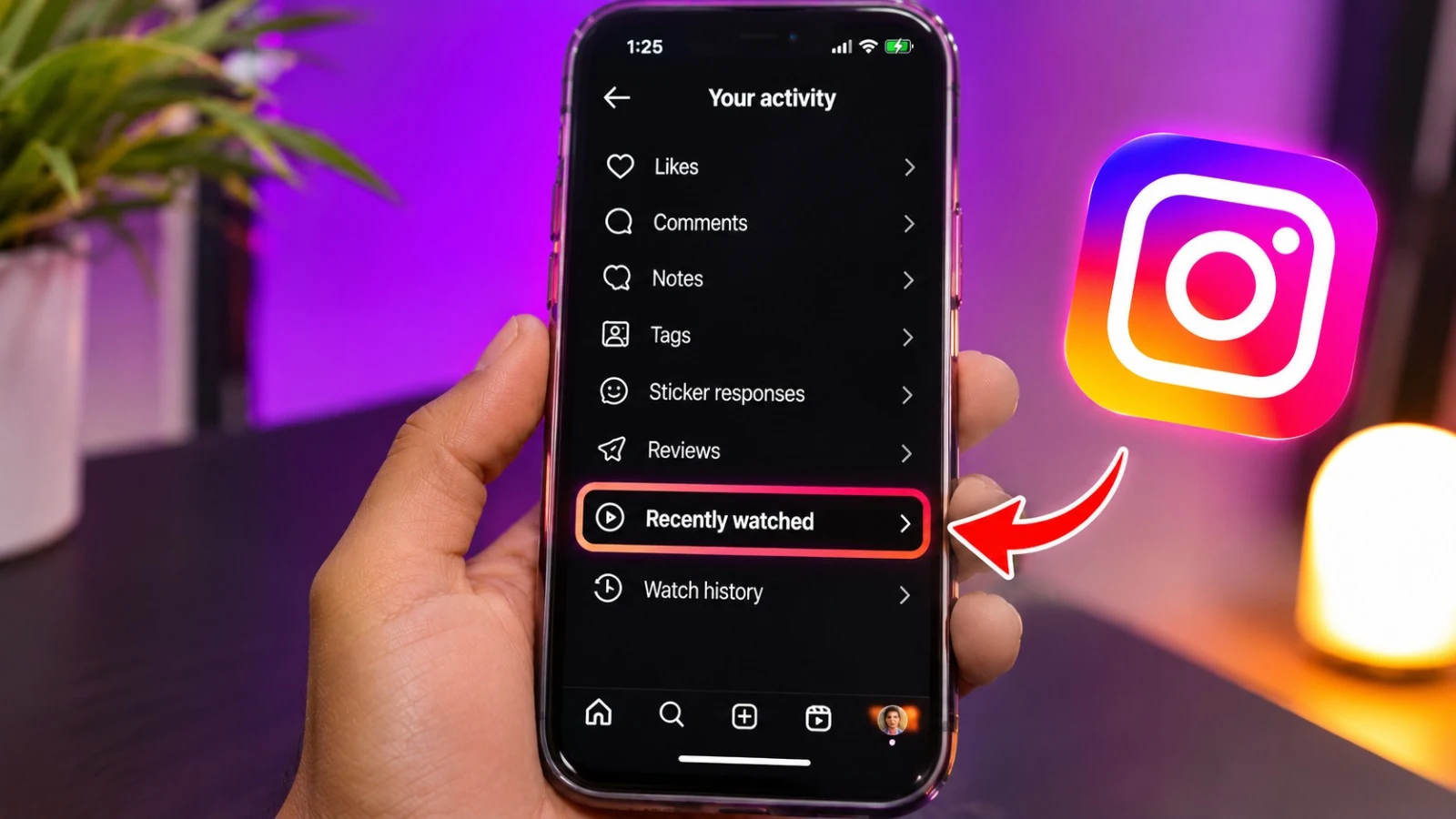
Have you ever watched a Reel on Instagram but forgotten to save it? We will let you know the ways to see recently watched Instagram Reels so that you will find those videos again. If you want to know how to see watch history on Instagram web, keep in mind that Instagram does not provide a full watch history for Reels on any device but still, there are a few easy ways to find videos you have watched before. Also keep in mind that Instagram does not have any dedicated feature to check the history of the videos you watched.
Can You See Recently Watched Instagram Reels?
Instagram has several features which help the users to find content they have interacted with. However, when you watch a reel then it does not automatically save in your activity history. If you like, comment, share or save any reel then it is easy to find that reel. Instagram's available features can also change with app updates and account settings.
Table of Contents
How to See Recently Watched Instagram Reels on Mobile
Follow these steps to check your Instagram activity:
- Open the Instagram app on your Android phone or iPhone.
- Go to your profile by tapping your profile picture.
- Tap the three-line menu in the upper-right corner.
- Find Your Activity.
- Open the interactions section to check your likes and comments.
- Look through the relevant activity to find the Reel you watched.
How to See Watch History on Instagram Web
If you use your instagram id on your personal laptop or desktop then you can check it through web browser below is the process of checking it:
- Visit Instagram.com and sign in to your account.
- Open your profile.
- Click the menu or settings options available on your account.
- Look for activity or interaction history, if available.
- Check your liked posts, comments, and saved content for the Reel.
Other Ways to Find a Reel You Watched
If the video is missing from your activity, try these alternatives.
| Method | Where to look | Best for |
| Liked Reels | Your activity → Likes | Videos you liked |
| Saved Reels | Profile → Saved | Videos you bookmarked |
| Comments | Your activity → Comments | Videos you commented on |
| Shared Reels | Instagram Direct Messages | Videos you sent to someone |
| Search | Instagram search | Reels whose creator or topic you remember |
Can You Recover Reels You Watched Without Liking Them?
Unfortunately, it is tough to find the reel you watched without interacting with it. Also instagram does not provide any feature to access the complete history but there are some ways through which you can check.
Tips to Avoid Losing Instagram Reels
Use these simple habits to find interesting videos later:
- Save useful Reels: Tap the bookmark icon while watching.
- Like videos you enjoy: This gives you another way to find them.
- Share Reels with yourself: Where available, use a private chat or another trusted method.
- Remember the creator: Always follow the account which reel you like the most.
Frequently Asked Questions
1. Can I see my complete Instagram Reels watch history?
No it is not possible to watch the complete watch history of the instagram reel. But you might check it throuh the videos through likes, comments, saved posts, or messages.
2. How do I see recently watched Instagram Reels on a PC?
Log in to Instagram.com and check your available activity and interaction history. A complete Reels watch-history feature may not be available on the website.
3. Can I find a Reel I watched but did not like?
Yes there are some ways to find it like you can search for creator name, caption, keywords of that reel or through the topic but if you didn’t interact with that video then there are not having any way to find it.
4. Does Instagram notify someone when I watch their Reel?
Generally, Instagram does not notify individual creators every time you watch their Reels. Creators may see aggregated viewing and engagement insights, depending on the available account features.
Final Thoughts
Finding a recently watched Reel is possible in some cases, only if you liked, saved, commented on, or shared it. If you want to know the watch history on instagram web then you need to check the available account activity and save content. Also you must remember that instagram does not provide the complete list of the reels you watched, so it is advised that whenever you find anything interesting then you can like save or share that reel.






Leave a Reply